
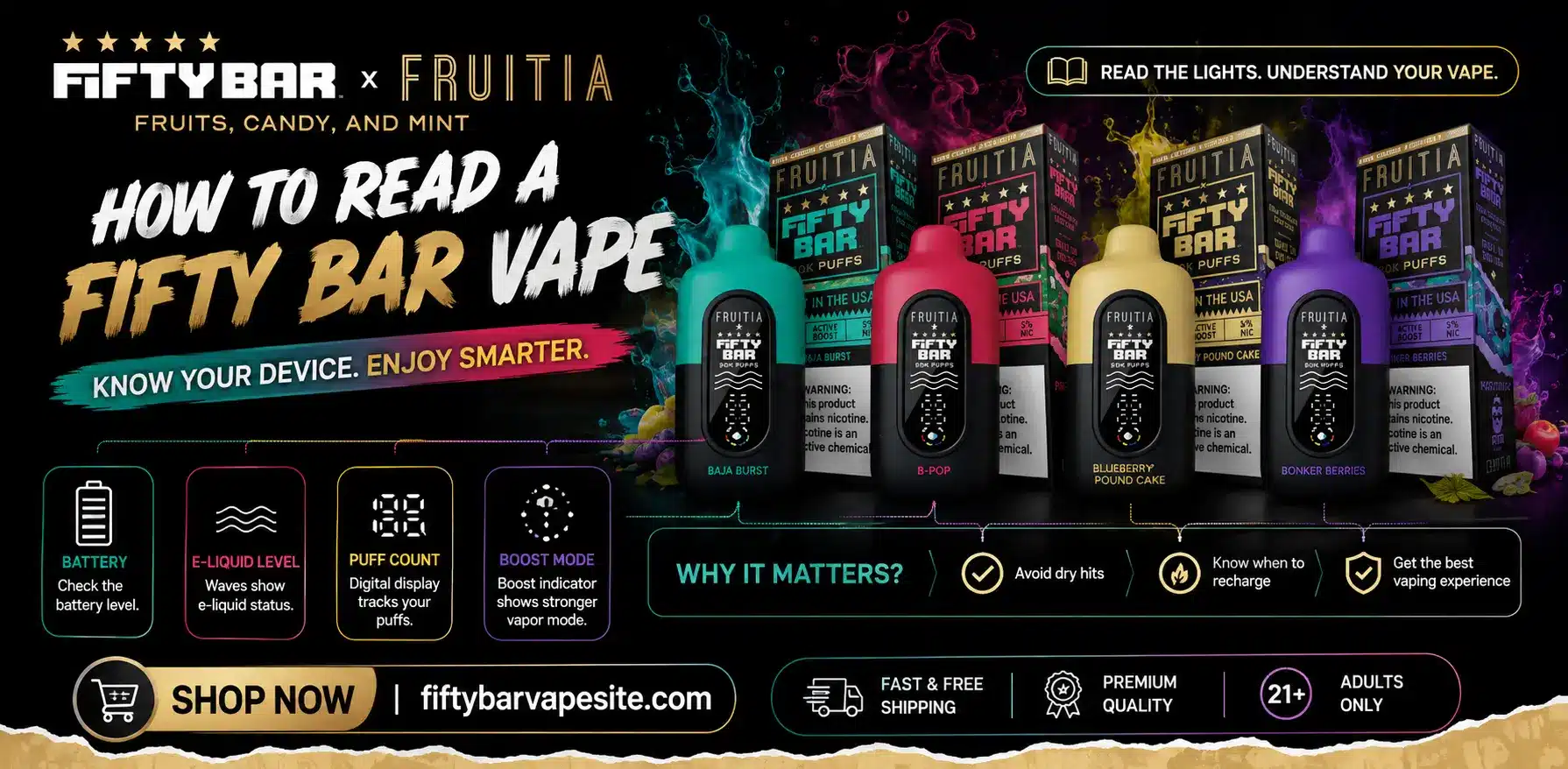
If you’re wondering how to read a Fifty Bar vape, the answer depends on which version you’re holding. Screen-equipped models like the Fifty Bar 20K and V2 show a droplet icon for e-liquid and a battery percentage every time you take a draw, while earlier non-screen models use small LED lights near the base that blink to signal low juice or a dying battery. Once you know which system your device uses, reading it takes about five seconds per puff.
Fifty Bar has released several hardware generations, and the brand hasn’t standardized a single display across all of them. That’s the main source of confusion people run into — they look up “Fifty Bar screen meaning” expecting one universal answer, only to find their device doesn’t even have a screen. This guide covers both systems so you can identify exactly what you’re looking at, whether you’re holding a Black & White edition, a Texas Edition, a Midnight Series bar, or a 20K with the digital display.
What is Fifty Bar?
Fifty Bar is a disposable vape brand assembled, packaged, and filled in the USA, built around nicotine salt e-liquids and a draw-activated (no-button) firing system. The lineup spans puff counts from roughly 6,500 up through 20,000+ depending on the series, and most devices run on an 800mAh rechargeable battery with USB-C charging. What sets Fifty Bar apart from a lot of generic disposables is the flavor sourcing – several series use nic salt blends developed with outside flavor houses rather than a single in-house recipe, which is part of why flavor consistency matters so much to this audience and why people care about catching “flavor fade” before it turns into a burnt hit.
Because Fifty Bar spans multiple hardware generations, the indicator system on your device is tied to which series you bought, not the brand as a whole. Below is how to read each one.
Reading the Screen-Equipped Fifty Bar (20K, V2, and Newer Series)
On screen models, the display only lights up when you actually take a puff – it stays dark otherwise, so don’t assume your device is dead just because the screen looks blank sitting on a table. When you draw, the screen activates for a few seconds and shows, from top to bottom: the Fifty Bar logo (purely cosmetic), a set of decorative wavy lines meant to represent airflow (also cosmetic, not a status indicator), and then the two readings that actually matter – a water-droplet icon with four color-coded bars for e-liquid, and a battery reading shown as either a lightning bolt icon or a direct percentage number, depending on the exact model.
The e-liquid droplet works like a fuel gauge. All four bars lit means you’re at or near full juice. As you vape, the bars drop and the color shifts, typically moving from a fuller color through yellow before disappearing. The one habit worth building early: once the droplet indicator hits its yellow zone, treat the remaining estimate as a rough guess rather than a precise countdown. Smart-chip juice sensors in disposables are good at flagging “getting low” but they’re not precision instruments once you’re near empty, and taste is a more reliable signal than the icon at that stage (more on that below).
The battery reading is more literal. A percentage number or a full lightning bolt means you’re topped up; as it drops, treat 20% as your cue to plug in rather than waiting for it to hit zero mid-session. On an 800mAh battery, a full charge from empty typically takes around an hour on USB-C, so topping up before you’re fully drained keeps your sessions from getting interrupted.
| Icon | What It Tracks | What to Do |
| Droplet with colored bars | Remaining e-liquid | Trust it above yellow; rely on taste once it hits yellow |
| Lightning bolt / % number | Battery level | Recharge at ~20%, don’t run to zero |
| Fifty Bar logo, wavy lines | Cosmetic only | No action needed |
Reading the Non-Screen Fifty Bar (Older and Standard Series)
If your device doesn’t have a display, it’s not broken – earlier and several current Fifty Bar series skip the screen entirely and instead use small LED lights positioned near the airflow holes at the base of the device. These LEDs serve double duty: they flash briefly with each puff as a firing confirmation, and they flash repeatedly in a more insistent pattern when the device is running low on either e-liquid or battery. Because the same LEDs cover both conditions, a non-screen Fifty Bar can’t tell you which one is running out – just that something is. At that point, pairing the light signal with a taste check (below) tells you whether it’s a flavor problem (juice) or a power problem (battery).
The same LEDs double as your charging indicator. Plug the device into USB-C and the lights stay lit steadily while charging, then turn off once the battery is full. No lights during charging usually means a cable, port, or connection issue rather than a fully charged device, since a genuinely full battery turns the light off rather than leaving it dark from the start.
The Sensory Signs That Back Up the Icons
Whether or not your device has a screen, your palate is picking up changes before any indicator does. The first reliable sign of a Fifty Bar running low on juice is “flavor fade” – the bold, punchy notes you got on your first few puffs start to feel thinner and less distinct, even though vapor production hasn’t obviously dropped yet. That’s your cue to start watching the indicator more closely, whether it’s a droplet dropping into yellow or LEDs starting to flash more frequently.
The second sign is a shift in vapor density and draw resistance. As the coil starts running dry, draws can feel airier or slightly harsher, sometimes with a faint scorched note creeping in at the very end. If you catch it at the “muted flavor” stage rather than pushing through to the “burnt” stage, you’ll get a smoother tail end out of the device instead of a rough last few puffs.
Step-by-Step: Reading Your Fifty Bar From First Puff to Empty
On your first puff, check what kind of device you have – screen or LED-only – since that determines everything else. If it’s a screen model, note the starting battery percentage and confirm all four droplet bars are lit; if it’s an LED model, take note of how the lights behave on a normal puff so you’ll recognize when the pattern changes later.
Through the middle of the device’s life, glance at the screen every so often rather than every puff – checking every draw isn’t necessary and the reading won’t change meaningfully puff to puff. Once you notice flavor starting to soften, start checking more frequently and treat that as your signal to plan a recharge or have a backup device ready.
Near the end, rely on taste and draw feel more than the exact number on the screen or the flash pattern on the LEDs. Fifty Bar’s nic salt formulations are built for a smoother taper than a lot of disposables, so the drop-off tends to be gradual rather than sudden – which is exactly why the sensory cues matter as much as the digital ones.
Conclusion
As of 2026, Fifty Bar’s screen-equipped and LED-only series remain the two indicator systems in circulation, so identifying which one you’re holding is the first step to reading it correctly – and once you do, the rest is just a matter of watching the numbers and trusting your own taste buds when the numbers stop being precise.
FAQs
How do I know when my Fifty Bar vape is out of battery vs. out of juice?
On screen models, check separately — the droplet icon tracks e-liquid and the lightning bolt or percentage tracks battery. On LED-only models, the lights can’t distinguish the two, so a flavor check (thin, muted taste usually means low juice) helps you tell the difference.
Why does my Fifty Bar screen only light up when I puff?
That’s normal behavior, not a fault. The display is designed to activate briefly on each draw and go dark between puffs to save battery, so an idle blank screen doesn’t mean the device is dead.
How long does a Fifty Bar take to charge?
With an 800mAh battery and USB-C charging, a full charge from empty typically takes about an hour. Plugging in around the 20% mark rather than waiting for a full drain helps avoid mid-session interruptions.
Can I refill or reset my Fifty Bar’s e-liquid indicator?
No. Fifty Bar devices are pre-filled, non-refillable disposables, so the e-liquid reading isn’t something you reset – once the droplet indicator (or the LED low-juice signal) shows empty, the device is done.
Is a flashing light on my Fifty Bar a sign of a problem?
Not necessarily. A brief flash on each puff is a normal firing confirmation. A more frequent, insistent flashing pattern is the device telling you e-liquid or battery is running low – check taste and draw feel to figure out which.